Token Spraying: How Attackers Got Into 79 Companies' Email Without a Password
Picture an accountant opening a perfectly normal email from a client: please update the bank account for this month's payroll. The email came from the client's real mailbox. It passed every filter. Nobody at the client company sent it.
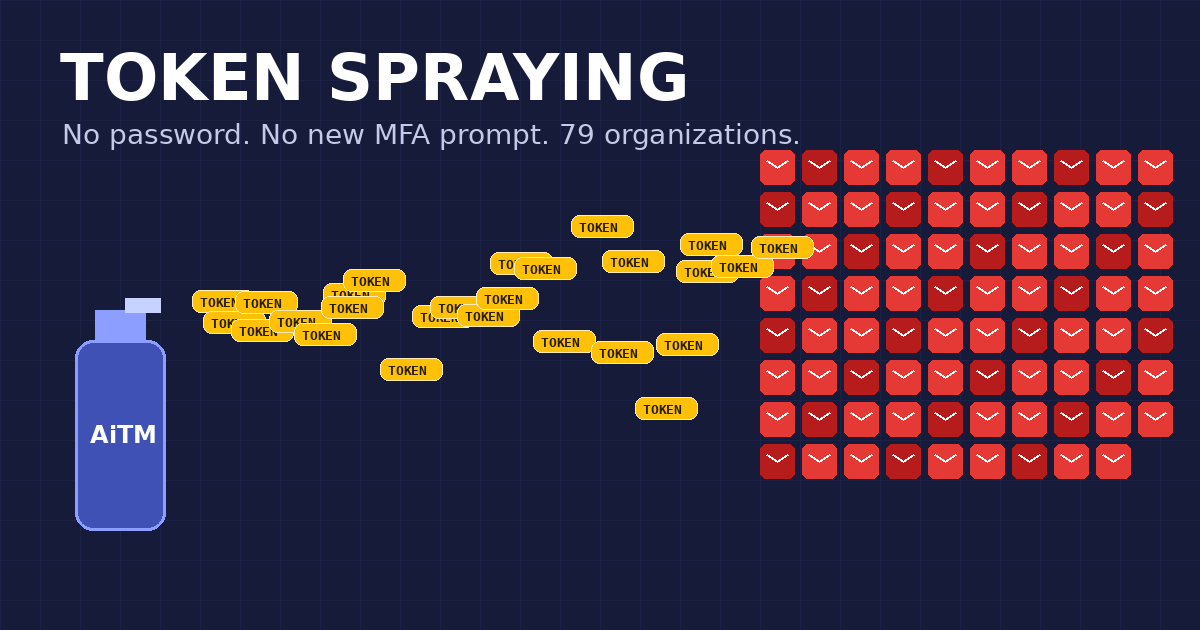
That isn't a hypothetical. It's one thread in a campaign the security firm Huntress published on October 22. Between July 14 and September 22, 2026, an attacker got into Microsoft 365 email accounts at 79 organizations without ever needing a password. Huntress calls the technique token spraying (Huntress research, Help Net Security coverage).
What is token spraying?
You've probably heard of password spraying: try a few common passwords against thousands of accounts and see which doors open. Token spraying is the same idea with a much better key.
When you sign in to Microsoft 365 and approve your MFA prompt, Microsoft hands your browser a session token. Think of it as a wristband at a concert. Security checked your ID at the gate once, and from then on, the wristband is the proof. Nobody checks your face again.
Token spraying means stealing a pile of those wristbands, then flashing them all at the gate at once from a handful of rented servers. The tokens were issued after MFA succeeded, so the attacker never sees a password box or a push notification. As far as Microsoft can tell, it's just you, still signed in.
How the attack worked, step by step
- Steal the token. Huntress saw three ways: an adversary-in-the-middle (AiTM) phishing page that relays the real Microsoft sign-in and keeps the token, device-code phishing that tricks a person into typing a code on Microsoft's real sign-in page, and plain social engineering during a normal login.
- Use it fast. In one July case, the hijacked session showed up 12 minutes after the victim reached the MFA prompt. By September, the gap was four minutes.
- Spray it. Replays came mostly from one block of internet addresses, and the attacker rotated through six of them across four phases with breaks of a week or more. Blocking any single address would have stopped, at most, one phase. In total Huntress counted 497 successful sign-ins and more than 200,000 failed attempts.
- Move in. The attacker registered at least 48 fake computers in victims' Microsoft Entra
directories, named
DESKTOP-followed by eight random characters. In 19 organizations they wiped the victim's MFA methods and added their own within three hours. - Hide. Inbox rules with forgettable names like
.,sss, andiTquietly deleted mail or tucked it into the RSS Feeds folder, so the real owner never saw the replies. - Get paid. In one case, a rule flagged any email mentioning payroll, direct deposit, bank, or bonus. Five minutes later another rule hid all mail from the company's outside accountant. That's the setup for classic business email compromise: redirect a payment, and make sure nobody sees the "did you mean to change this?" reply.
Why MFA didn't stop it
Every victim here used MFA. That's the uncomfortable part. MFA protects the moment of sign-in, and the sign-in went fine. The theft happened right after, and the token outlived the check that created it.
We wrote about this gap in Your MFA Worked. You Got Hacked Anyway. What's new is the scale. Phishing kits that steal tokens are sold as a service, a script can replay them by the hundred, and the whole thing runs from ordinary rented servers. In one four-day burst in September, a single address logged hundreds of successful sign-ins across nearly 30 organizations.
Two more details make this campaign sticky:
- A password reset doesn't kick them out. The fake devices stay registered until someone deletes them, the attacker's authenticator keeps working, and a token that's already been issued can stay valid for about 90 minutes.
- "Blocked" doesn't mean "safe." Huntress points out that some Conditional Access blocks happen after the token was accepted. A blocked sign-in from a known-bad address is evidence the token worked, not proof you won.
Seven things to do this week
- Hunt for the leftovers. In Entra, look for devices named
DESKTOP-plus eight hex characters that nobody recognizes, authenticator apps added recently from unfamiliar addresses, and inbox rules with one-character or nonsense names. Delete what you can't explain. - Revoke, then reset. If an account looks touched, revoke all of its sessions and reset the password. Then remove any MFA methods the user doesn't own.
- Turn off device-code sign-in for everyone who doesn't need it. Most companies need it for a few conference-room screens, not for the whole staff.
- Close the Conditional Access gaps. Require MFA or block for every user, every app, and every client type, with no "just this one legacy app" exceptions. Attackers look for the exception.
- Lock down "add a new MFA method." Only allow new methods from a managed device or the office network. That one rule turns a stolen session back into a temporary problem instead of permanent access.
- Bind tokens to devices where you can. Microsoft's Token Protection in Conditional Access and Chrome's Device Bound Session Credentials both aim to make a copied token useless on someone else's machine. Coverage is still partial, so check which apps and browsers your users actually run.
- Give finance a call-back rule. Any change to bank details gets confirmed by phone, on a number you already had, before money moves. It's the cheapest control on this list and it stops the payoff even when everything else fails.
Where NearAuth.ai fits
The root problem is that a session token is a bearer pass: whoever holds it, wins. We think access should depend on something that can't be copied into a phishing kit: you, physically at your computer, with your phone.
NearAuth.ai checks that your registered phone is next to your registered computer with an encrypted Bluetooth handshake, and keeps re-checking it during the day instead of trusting a single morning sign-in.
- No code to phish. There's no device code to read out and no push to approve, so the two easiest ways to talk someone out of a token in this campaign have nothing to work with.
- A server in Hamburg isn't next to your phone. Where NearAuth.ai controls access, a replay from a rented server fails the presence check, because the phone in your pocket isn't there.
- Their authenticator doesn't count. When NearAuth.ai is the sign-in method for a group and the other methods are switched off, an attacker adding "iPhone 13" to the account gains nothing.
- A clear record. Every check is logged with the computer and the time, so you can tell "Maria at her desk" from "a script at 3 a.m." in seconds, not days.
To be straight about the limits: if Microsoft has already handed out a token and an attacker copies it, Microsoft is the one deciding whether to accept it, and no sign-in method can see that happen. That's why token binding, short session lifetimes, and the checklist above still matter. Presence makes stolen sign-ins much harder to start and much easier to spot. It works best alongside those controls, not instead of them.
NearAuth.ai is free for teams of up to 12 people, and most teams protect their first five people in about 15 minutes with Google Workspace or Microsoft 365.
Frequently asked questions
What is token spraying?
Replaying many stolen session tokens in bulk, often from a few rented servers, to get into accounts at many companies
at once. It's password spraying, except the "password" is a token issued after the victim already passed MFA.
Does MFA stop token replay attacks?
Not on its own. The token is created after MFA succeeds. You need token binding, Conditional Access with no gaps,
device-code sign-in turned off, and fast session revocation.
Does resetting the password remove the attacker?
No. Revoke all sessions, remove unknown MFA methods and devices, and delete suspicious inbox rules too.
The short version
Nobody guessed a password. Nobody broke MFA. People signed in normally, someone copied the wristband, and a script flashed it at the door a few minutes later. Clean up the devices, authenticators, and inbox rules attackers leave behind, close the device-code and Conditional Access gaps, and start tying access to something a phishing kit can't carry away.
chris@nearauth.ai