You're Invited: How Fake Events and Calendar Invites Beat MFA
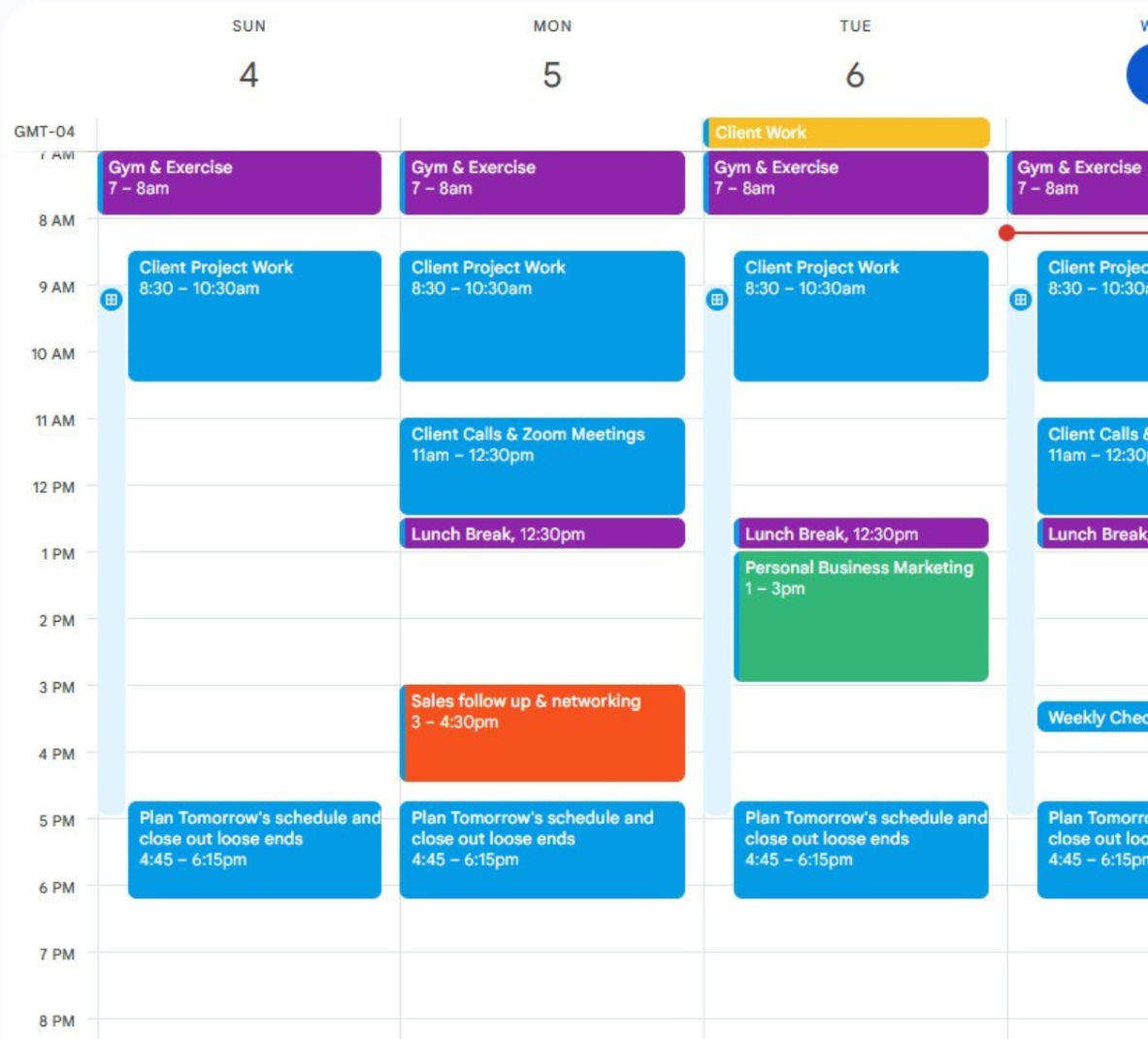
Most people have learned to squint at strange emails. Far fewer squint at their calendar. Two phishing campaigns reported in the first week of November took advantage of exactly that. One sent Google Calendar invites from companies the victims already knew. The other invited marketing and sales staff to exclusive events from OpenAI, SpaceX and Anthropic, complete with a prize for signing in.
Neither event was real. Both campaigns ended with the attacker holding a working Microsoft or Google session, and in both cases the victim had MFA turned on and used it.
Campaign 1: the calendar invite from someone you know
On November 4, the email security company Material Security described a campaign that had been running since mid-August. (BleepingComputer published the write-up as content sponsored by Material, so treat the numbers as the vendor's own.) Material calls its effort to take the campaign down Operation CloudFire, and it ties the phishing pages to a kit called Nyasher.
Here's how it worked:
- The invite came from a real company. Attackers used email accounts they had already broken into to send Google Calendar invites to those accounts' contacts. So the invite often came from an organization the victim had emailed before. Some were sent by BCC.
- The pretext was boring on purpose. A voicemail, a request for proposal, a missed payment, a court summons. Later waves switched to fake Google Drive file shares.
- The first link was Google's own. Most links went through Google's redirect service, so the first web address a filter saw was a Google one, with a good reputation and a valid certificate.
- A robot check hid the trap. Visitors passed a Cloudflare challenge first, which keeps most security scanners out. Only then did the page build the sign-in form in the browser.
- The sign-in page was the real Google, relayed. The attacker ran a reverse proxy in front of Google's real sign-in page. The victim typed their password and approved the real prompt, and the proxy passed every step through: text codes, authenticator codes, even Google's tap-to-confirm number matching. At the end the attacker kept the signed-in session.
With that session, an attacker can read mail, open Drive and grant apps access in the victim's name. Over one month, Material says it blocked 68,676 campaign messages and took down 897 attacker domains. It counted 8,570 compromised sender addresses, and those are only from customers who shared data. Material now says the group's activity appears to have dispersed, and it expects the next wave to look similar under a different brand.
Campaign 2: the free ChatGPT Pro you'd have to sign in for
On November 5, Push Security described a second campaign, which BleepingComputer also covered. Starting in late October, fake registration pages offered:
- an OpenAI livestream called "ChatGPT for Social & Digital Marketing Teams," with three months of ChatGPT Pro for attendees;
- a private SpaceX briefing on November 12, with three months of Grok Heavy or a "SpaceX share" as the prize;
- an Anthropic event at AWS re:Invent, which was already offline when Push looked.
Links came through short links from Google and Zapier, so again the first hop looked legitimate. After a Cloudflare check, the event page asked visitors to register with their work account: "Continue with Microsoft" or "Continue with Google." Each button led to a different trap, rented from two different phishing-as-a-service platforms.
The Microsoft button: device code phishing
This one is worth understanding, because nothing about it looks fake. Microsoft has a legitimate sign-in method called device code flow, built for TVs, conference room gear and command-line tools that have no keyboard or browser. The device shows a short code. You go to Microsoft's real website on your phone or laptop, type the code, and sign in. The device is then signed in as you.
In this campaign the "device" was the attacker. The event page asked a service called Kali365 for a fresh code
and showed it in a "Confirm access" box. The victim was sent to the genuine Microsoft page,
login.microsoftonline.com, entered the code, and approved, MFA and all. The attacker's software
received the account tokens. The victim never typed their password into a fake site. The web address was right.
The padlock was right. The only wrong thing was whose code it was.
For good measure, Push says the page then sent victims to a second, proxied Microsoft sign-in page to collect their password and session cookie too.
The Google button: a proxy, again
The Google path used VoidProxy, a reverse-proxy kit. It's the same idea as Campaign 1: a relayed copy of Google's real sign-in page that captures the password, the MFA answer and the resulting session cookie.
Push found that the same operator had used fake Zoom event pages from May to October, and moved from Zoom to Anthropic to OpenAI and SpaceX themes over about ten days in late October. The event domains were days old and are rotated every few weeks.
What the two campaigns have in common
- The lure isn't an email you'd distrust. A calendar invite from a partner, or an event from a famous AI company aimed at the marketers who'd want to attend.
- The links start on trusted sites. Google redirects, Google and Zapier short links, a real Cloudflare check. Reputation-based filters see nothing wrong.
- The victim really does sign in to Microsoft or Google. Either through a relay of the real page, or directly on the real page with the attacker's device code.
- MFA happens, and it doesn't help. Codes, push approvals and number matching all prove that the right person is approving. None of them prove where the resulting session will end up.
- The prize is the session, not the password. Once the attacker holds signed-in tokens or cookies, most systems stop asking questions.
We covered the proxy technique in more depth in How Second-Factor Phishing Works, and what happens after a session is stolen in Stolen Cookies: The Attack That Walks Right Past Your MFA. What's new this fall is the packaging, and the device code trick that needs no fake page at all.
Seven ways to stop it
- Block device code sign-in if you don't use it. Most companies don't, outside of meeting room devices. In Microsoft Entra, a Conditional Access policy can block the device code flow, with narrow exceptions for the devices that need it. Microsoft recommends turning it on in report-only mode first and checking the sign-in logs.
- Teach one simple rule: never enter a code a website gives you. A real device code comes from a device you're holding or standing in front of. If a web page or an email hands you a code to type into Microsoft, it's an attack.
- Stop invites from landing on calendars automatically. In Google Workspace, admins can set Calendar to add invitations only from senders the user has responded to. In Microsoft 365 it's a per-mailbox setting. Either way, a phishing invite no longer becomes a reminder that pops up later.
- Be suspicious of any event that needs your work login. Real event registrations rarely need a Microsoft or Google work sign-in, and almost never pay you in subscriptions or shares.
- Move to phishing-resistant sign-in. Passkeys and FIDO2 security keys check the real web address, so a relayed copy of the sign-in page can't use them. Require them rather than just offering them, because a proxy can simply steer the victim to a weaker option that's still allowed.
- Watch for new sessions and grants. Look for sign-ins from unfamiliar devices and networks, new OAuth app grants and device code sign-ins in your Microsoft and Google audit logs. Be ready to revoke sessions and reset an account within the hour.
- Make the session prove it's still on the right computer. Signing in is one moment. A stolen session is used later, from somewhere else. Controls that tie a session to the device that earned it, or that keep checking that the real person is present, take away what both campaigns were after.
Where NearAuth.ai fits
The last two items are what NearAuth.ai is built around. Instead of a code or a push you can be talked into approving, NearAuth.ai checks that your registered phone is next to your registered computer, over an encrypted Bluetooth handshake signed with keys that stay on the devices. There's no code to read out or type into someone else's page, and an attacker's server in another country isn't next to your phone.
It isn't a fix for everything above. It doesn't block device code sign-ins in your Microsoft tenant for you, and it doesn't replace good email filtering, sensible calendar settings or a trained team. Do those first. Proximity is one more layer, aimed at the part every one of these attacks depends on: using someone's access from somewhere that person isn't.
Phishing used to arrive as an email that looked a little off. Now it arrives as a meeting from a partner, or a free seat at the event everyone wants to attend, and it ends on the real Microsoft or Google page. The good news is that the defenses are mostly settings you already own. It's worth an afternoon to turn them on before the next invitation arrives.
NearAuth.ai is free for teams of up to 12 people, and most teams protect their first five people in about 15 minutes with Google Workspace or Microsoft 365.
chris@nearauth.ai